
Medals
A medal is a label an organizer puts on one participant: gold, silver, bronze, honorable mention, or none. You award it by hand, one participant at a time, from that participant's page — nothing on Eolymp derives medals from the standing, and no cut-off, quota or percentage produces them for you.
Set the medals before you finalize the contest. The Medal row is disabled for official participants once the contest is finalized, and finalizing copies whatever each participant holds into the frozen result. There is no way back from that, so an unmedalled winner stays unmedalled.
Award a medal
Open the contest and go to Participants.
Click the participant. The scoreboard rows lead to the same page, which is usually the quicker route when you are working down a standing.
On the Settings card, open Medal.
Choose gold, silver, bronze or honorable mention.
Repeat for each participant who is getting one.
You need permission to write contests. The change takes effect immediately — there is no save step and no publish step.
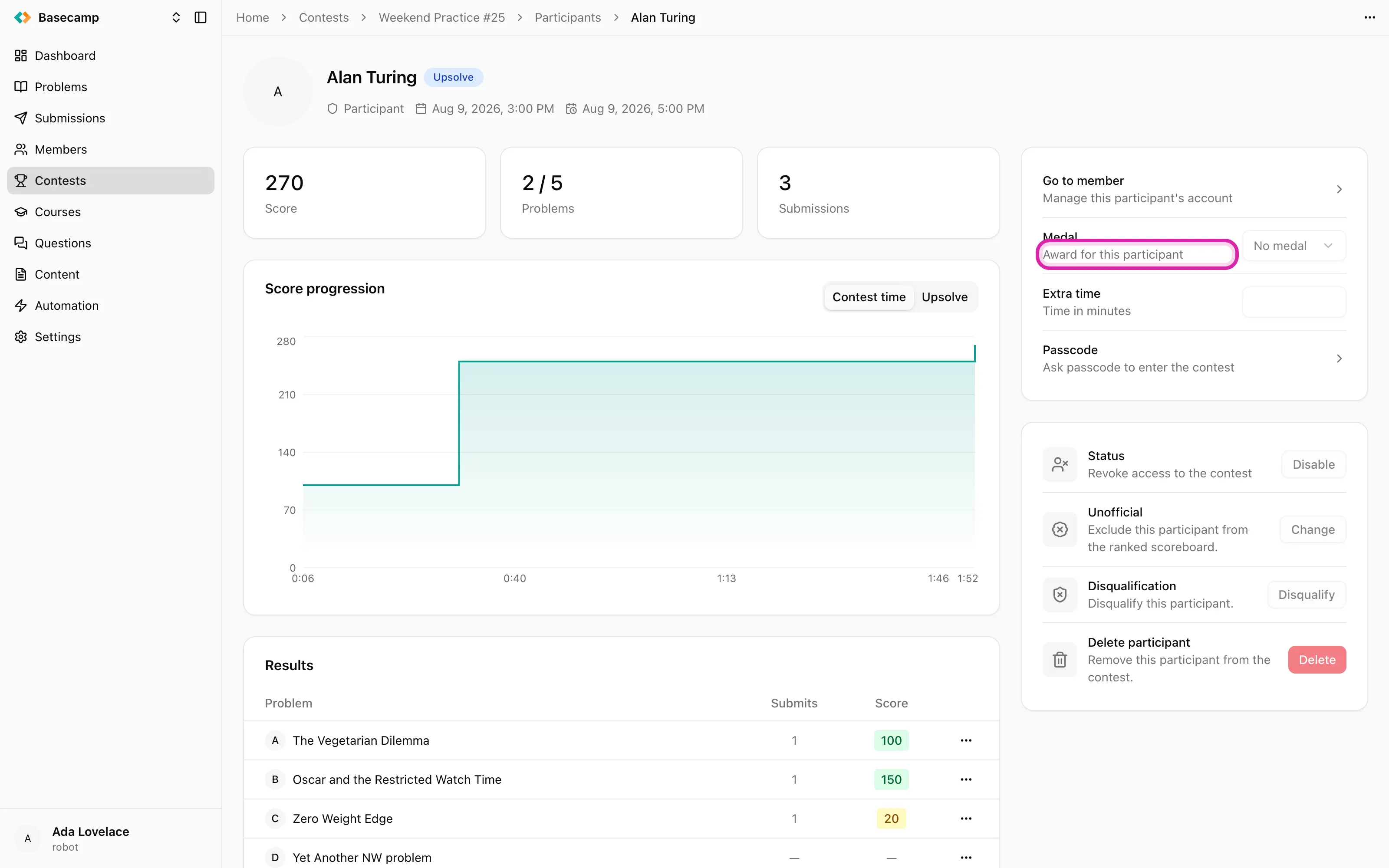
Fig 1. Medal, extra time and passcode: the three things set on a single participant.
Take a medal back or change it
Set the field to no medal, or to a different one. Same field, same immediate effect — as long as the contest is not finalized.
After finalization only unofficial participants can still be changed, so their medals remain editable and official ones do not.
What a medal does
A medal is a decoration on a result and nothing else. It carries no scoring weight: it does not change a rank, a score or a penalty, and it does not move anyone on the board.
Where it shows up:
On the scoreboard, as a coloured dot before the participant's name.
On the participant's page, as a ring in the medal's colour around their picture.
Participation certificates are a separate thing, issued to everyone at finalization rather than to the medallists — see Certificates.
 Apoye a Ucrania