
Credits
Credits are points your space hands out as a reward and lets members spend on whatever you offer in return. Each member has a balance, a list of the grants that balance came from, and a ledger of every movement. On your space's public site credits are presented to members as Mints.
Availability. Credits need a plan that includes member credits. Without it, the Credits tab doesn't appear on a member's screen at all — see Why a section is missing.
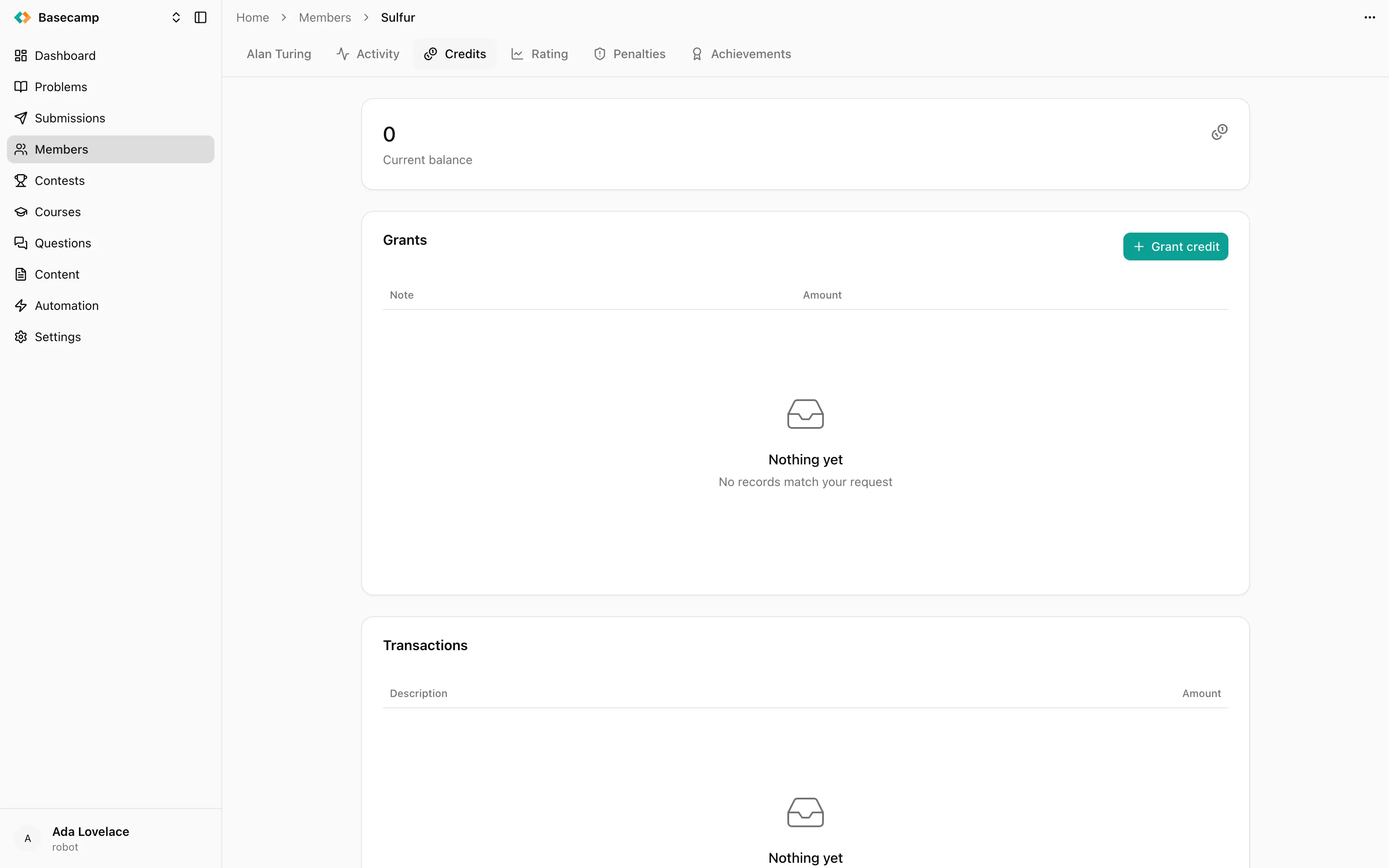
Fig 1. The Credits tab: current balance, the grants it came from, and the transaction ledger.
What the tab shows
Current balance — what the member can still spend. It's a consequence of grants, spending and refunds; you can't write it directly, and it never goes negative.
Grants — the lots the balance came from, each with its note, its expiry date and an
available / totalfigure. Spent, expired and cancelled grants stay in the list rather than disappearing from it.Transactions — every movement in either direction, with a timestamp, a description and a signed amount. Positive entries are grants and refunds, negative ones are spending. A refund is written as its own entry next to the movement it reverses; nothing is ever rewritten.
Spending draws on the member's grants as a pool rather than naming one of them, so a member with three grants doesn't choose which to spend.
Granting credit
Grant credit takes four things: a Note saying why, a Reference, an Amount, and an Expires date.
The reference is the part worth understanding. It's a de-duplication key: a second grant made under the same reference doesn't pay the reward twice. That's what makes automated rewards safe to retry — a rule that fires again over the same contest, or a script re-run after a failure, doesn't hand out the credit a second time.
Credits are also granted without you: by automation rules, and as rewards for accepted content contributions.
Expiry
Each grant expires on its own date. An expired grant stops contributing to the balance but stays in the list, so a balance can fall on its own with no transaction to explain it — the grants list is where that shows.
Cancelling a grant
Cancel, from the grant's row menu, revokes a grant that shouldn't have been made and withdraws whatever it still holds from the balance. It's for mistakes: a grant of the wrong amount, or one made against the wrong member.
An ordinary correction is not a cancellation. If the member earned the credit and then used it, or you want to claw something back for a reason the member should be able to see, put it in the ledger as spending or a refund, where it stays visible. A cancelled grant is shown as revoked on the member's own credits page.
What credits are spent on
Credits are spent on the rewards your space chooses to offer in return for them. Whatever a member spends appears in the ledger as a negative transaction with its description, and takes the balance down accordingly.
Credits are separate from achievements: an achievement is a badge that stays on the profile, a credit is a balance that gets used up.
 Stand with Ukraine