
Why a rule did not run
Every run of a rule is recorded in the Logs tab, with every message and every operation its actions produced. A rule whose conditions did not match is the exception: it did not run, so it leaves no log entry and its Executions count does not move. That single fact separates most of the cases below.
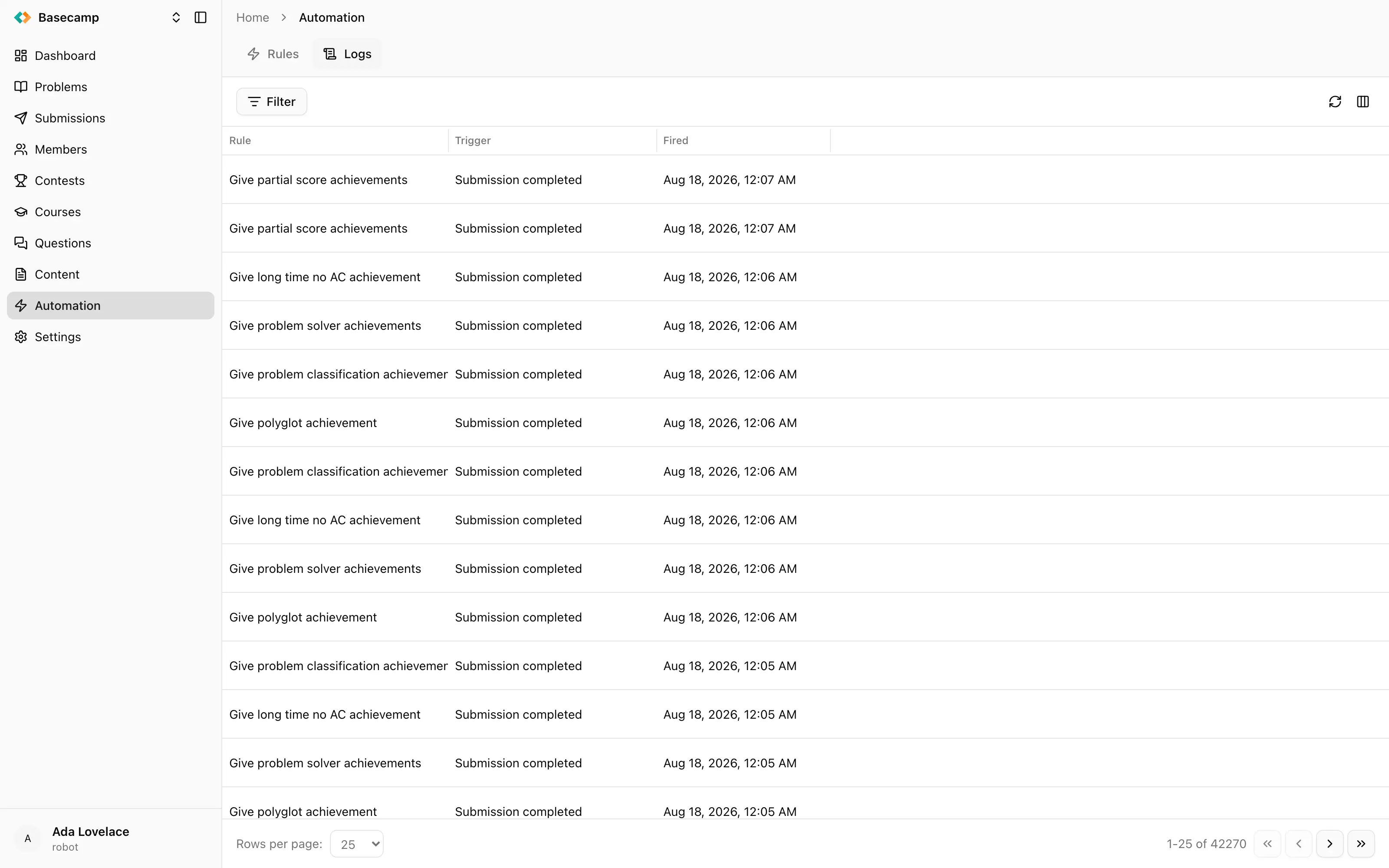
Fig 1. A log entry: the rule it came from, the time it fired, and the run's transcript of messages and operations.
Nothing happened at all
My rule never ran and there is nothing in the logs
Nothing in the logs and an Executions count that has not moved means the rule was never fired, or its conditions did not match. It does not mean the action failed — a failing action still counts as an execution.
Check, in this order:
The rule is not Inactive. An inactive rule is not fired by events at all.
The trigger matches the event that actually happened. Submission completed fires for submissions in the space's archive, and Contest submission completed for submissions made inside a contest; a rule on the wrong one of those never sees the event. Triggers and conditions lists what fires each one.
The conditions match. Use the rule's Trigger entry to run it by hand against a concrete entity: unlike an automatic run, a manual run reports a condition mismatch as an error instead of silently doing nothing. That makes it the reliable way to test conditions.
Your plan's monthly execution limit is not exhausted. When it is, rules stop firing for the whole space.
If it turns out to be the conditions, the sections below cover the cases where a condition looks correct and still never matches.
My scheduled rule did not run when I expected
A rule On a schedule runs every hour, or once a day at an hour picked automatically for that rule, in UTC. You choose how often, not when. To run it at a particular hour, make it hourly and add a condition on schedule.hour; to run it only on certain days, add a condition on schedule.weekday or schedule.day. See Triggers and conditions.
My condition never matches, even though the value is right
A condition on a field the event does not carry can never match, and nothing in the console tells you so — the rule just looks as though it never received the event. A condition on a timestamp is the one case that produces this even when the condition reads perfectly; it is described below. Otherwise, check the field really belongs to the trigger you chose: the field picker offers groups for objects the trigger may not provide, and related objects like contest, participant and member are only included when they can be looked up.
A condition on a date or time never matches
Timestamp conditions do not work against event data. Timestamps in a payload are text in RFC 3339 form, while the timestamp comparison expects a real date value, so the condition evaluates to false and quietly suppresses the rule.
Remove the condition and do the comparison inside a script action with time_diff, which returns the difference between two timestamps in whole seconds. See Automation scripts.
The rule ran but the work was not done
The rule ran and failed
Open its entry in the Logs tab: a run that failed has the Error status. The error appears both as a text message, in the form An error occurred: …, and on the operation that failed. Failed operations are expanded automatically in the log entry.
The rule fired but nothing changed
If the rule is set to Dry run, that is exactly what it does: the actions run, but the first operation that would write anything is recorded as Dry run and not performed. Clear the Dry run switch on the rule when you are ready for it to act. The Trigger dialog also has its own Dry run checkbox, which forces one run to be a dry run regardless of the rule's setting.
If it is not a dry run, the action ran and failed. Read its entry in the Logs tab.
My dry run only shows the first operation
A dry run stops at the first write. The operation is recorded with the arguments it would have used and then raises, which ends the script or the agent's work there. Reading operations before it run normally. So a dry run tells you what the first change would have been, not the full sequence a real run would perform. To see the rest, fix the first step and dry-run again, or run it for real.
The log entry says No messages
The run recorded nothing. For a script that means it neither logged anything with printf or print, nor called any platform function — usually because an if in the script never became true.
A rule failed and I have fixed it — will it run again?
No. There are no retries: a failing action is recorded and the run ends, the event is not delivered again, and the action is not repeated. Run the rule by hand against the affected entity, or wait for the next event.
This is why rules are best written so that running them twice is harmless. The reference argument on eolymp_achievements_assign, eolymp_credits_grant and eolymp_emails_send exists for that: a repeat carrying the same reference applies once.
Errors and refusals
Running a rule by hand is refused
Two things cause this. Either the conditions do not match the entity you chose — which is the dialog doing its job, and tells you something an automatic run would have hidden — or the entity is not in the state the trigger describes. A submission has to have been judged, a contest has to be finalized for Contest finalized, and a participant has to be finalized for Participant finalized.
A manual run also fails with a quota error once the space has used its monthly executions.
My script fails with cannot reassign global
A top-level name in a script may be bound only once, including inside the body of a top-level for. Counters and accumulators have to live inside a function, where the restriction does not apply. Automation scripts shows the pattern.
The script stopped partway with no error of its own
A script is bounded at 10 seconds and at 1,000,000 execution steps, and exceeding either stops it. The deadline is the one that usually bites — an agentic action may take up to 10 minutes, but a script may not. If a script is walking a large list, page through it with size and offset and do less per row.
Everything stopped at once
All the rules in the space stopped firing
The monthly execution limit is the usual cause. Every run counts towards it — automatic, manual and dry runs alike — and it is measured over your space's billing period, not a calendar month. Once it is reached, event processing stops for the whole space until the period rolls over, and manual triggers fail with a quota error.
A rule is missing from the action menu on a contest, member or problem page
Only rules with the Contest action, Member action or Problem action trigger appear there, and only when they are active and their conditions match that particular contest, member or problem. An inactive rule is not listed.
The menu is also built only for people who have permission to read automation, and running an entry needs permission to change automation. Where either is missing the entry is simply absent rather than shown and refused, so a missing entry can equally mean "no matching rule" or "no permission".
A log entry I looked at last week has gone
Log entries are kept for 7 days and then removed. The execution records behind the Executions count are kept for three months, but they hold no transcript. If you need to keep evidence of what a rule did, copy it out of the log entry while it is there.
 Разом з Україною