
Code templates
A code template is the starter code a participant finds already in the editor when they open the problem in one particular language — usually the input reading and the output printing, so they can get on with the algorithm. One template per runtime; a problem can have as many as you want to write.
Templates are on the problem's Solutions tab, in the Templates row, which reports how many the problem has. The row is hidden for output-only problems, which have no source code to pre-fill. You need permission to write problems.
Add a template
Open Problems, select the problem, and go to the Solutions tab.
Click the Templates row. It opens the list of templates — or the blank editor, if the problem has none.
Click Add template.
Choose the Runtime, write the Source code, and save.
Existing templates are edited or deleted from their row in the list.
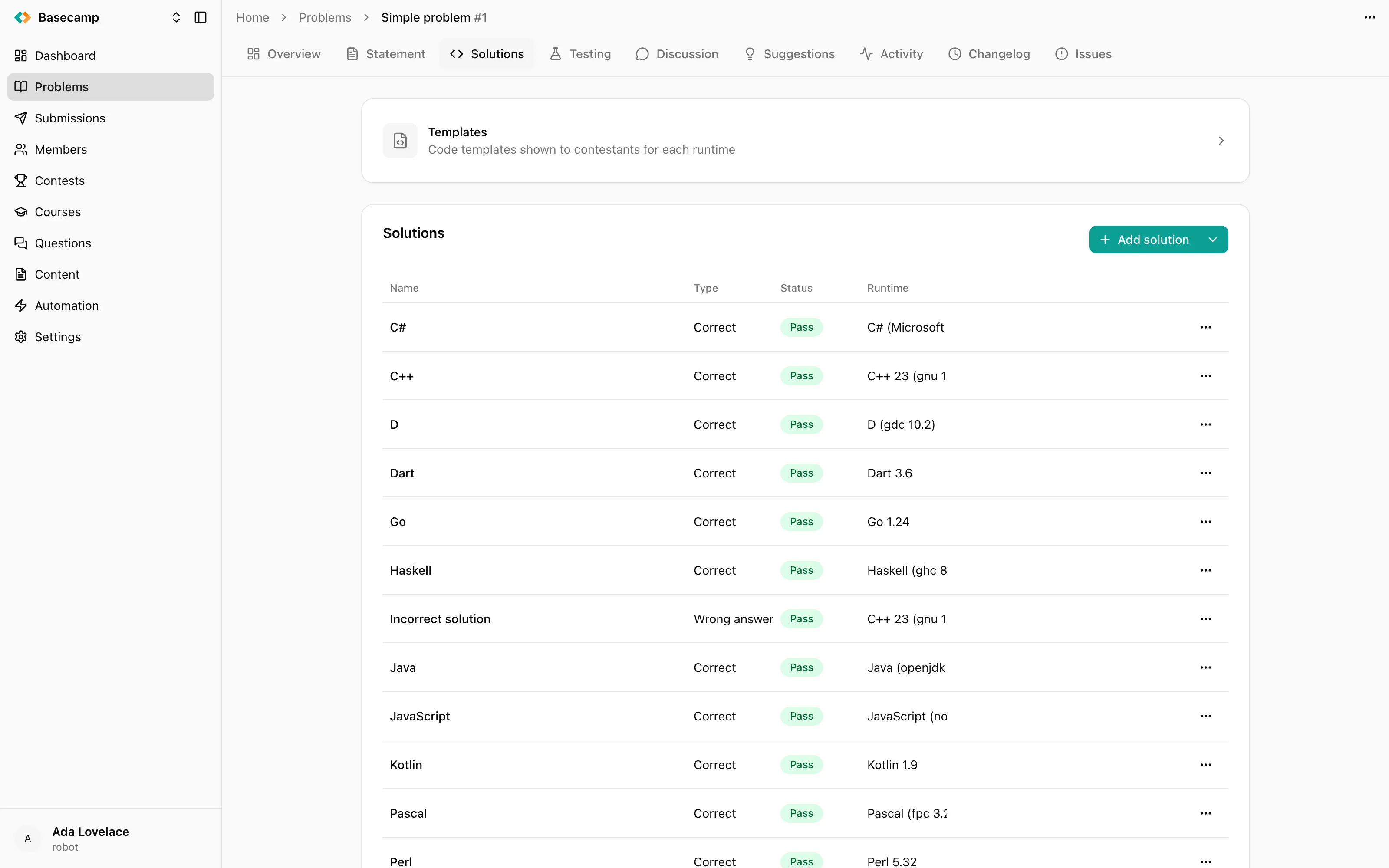
Fig 1. The template editor: runtime, source code, and the additional files.
Fields
Runtime — the language and compiler version this template applies to. One template per runtime; which runtimes exist for your space is a space setting.
Source code — the body shown to the participant.
Additional files — files placed into the working directory during compilation and execution. Header files a C++ template includes, a data file the program reads, a module the submission imports.
Header and Footer — code wrapped around the participant's submission before it is compiled, not shown in their editor. These are editable only for Function problems, where the participant writes a function rather than a whole program.
Headers, footers and what participants can see
Headers, footers and additional files are what let a Function problem ask for one routine instead of a program: the header opens the file and parses the input, the footer calls the participant's function and prints the result.
Keep grading logic out of them. In some languages a submission can read the contents of its own additional files, header and footer, so anything you put there should be treated as visible to the participant. Correctness belongs in the checker or the interactor, which run in a separate process the submission cannot inspect.
Secret templates
A template marked secret cannot be displayed. The editor asks you to Override, which replaces the stored template with a new one, or to go back. The original is not recoverable through the console.
 Apoye a Ucrania