
Validators
A validator is a program that reads a test's input and asserts that it satisfies the problem's constraints — that really is within the bounds the statement promises, that the graph really is connected, that the file has as many lines as its first number claims. It grades nothing and never sees a participant's output. Its job is to keep malformed tests out of the problem.
The Validator row is on the problem's Testing tab. It shows the validator's runtime, or unset, and opens the validator in the Studio. You need permission to write problems.
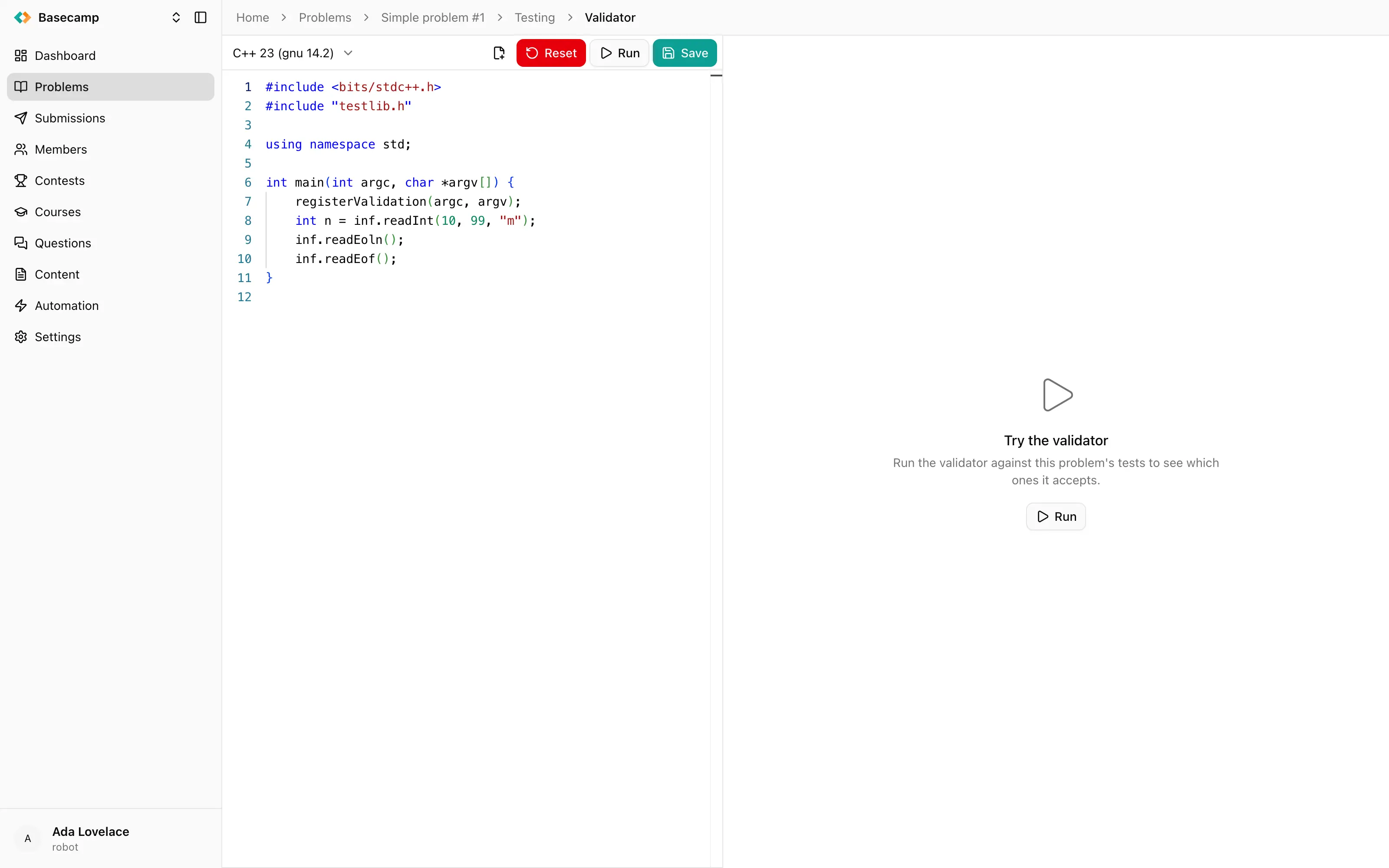
Fig 1. A validation run, grouped by testset, with one coloured square per test.
Trying a validator before storing it
Run compiles the validator currently in the editor and checks every test in the problem with it — without saving it to the problem. The results open in a Validation tab beside the editor. You write a candidate validator, run it against the tests you already have, see which ones it rejects, and only then decide whether the validator or the test is wrong.
Save stores the validator. Delete removes it, after a confirmation.
Reading the results
Results arrive live while the run proceeds, grouped by testset. A collapsed group shows a strip of coloured squares, one per test; expanding it gives the per-test list.
The run as a whole moves through Pending, Provisioning, Compiling and Checking to Complete, or ends in Error, Failure, Skipped or Cancelled.
Each test gets one of three verdicts:
Verdict | Meaning |
|---|---|
Valid | The validator accepted the input. |
Invalid | The validator rejected the input. |
Broken | The input could not be produced at all — a generator or a download failed. |
Broken is not a validation failure; it means there was nothing to validate. Look at the generator for that test.
For a rejected test, the row shows the first line of the validator's own output instead of the word Invalid, so a validator that explains itself gives you the reason without another click. Inspect opens a dialog with the validator's full output, its standard error merged in, and the input it was fed.
Starting a new validation supersedes any earlier one still running, which ends up Cancelled.
Validation and test status
Once a validator is stored, it takes part in the normal life of a test: generated data has to be generated and validated before a test reads Ready, and a test whose input the validator rejects shows Invalid with the reason on hover. See Test cases.
Secret validators
A validator marked secret opens in the Studio as Secret data and cannot be read.
 Apoye a Ucrania