
Triggers and conditions
A trigger is the event a rule listens for, and conditions decide whether the rule acts on a particular occurrence of it. Every rule has exactly one trigger and any number of conditions. This page lists the triggers, the data each one makes available, and the operators the condition builder offers.
Most triggers fire from events in your space; one fires on a schedule, and three are only ever run by hand. Changing a rule's trigger changes both the fields the condition picker offers and the variables its actions receive.
Every payload also carries three variables that are not repeated per trigger: space, event_name (a short description of what happened) and trigger_name. The fields on each object are listed in Automation scripts.
Event triggers
Trigger | Fires when | Data it makes available |
|---|---|---|
Submission completed | A submission in the space's archive finishes judging and receives a verdict. |
|
Contest submission completed | A submission made inside a contest finishes judging. |
|
Contest finalized | A contest's status becomes finalized. It does not fire again if the contest was already finalized. |
|
Contest score changed | A participant's score in a contest changes. |
|
Participant registered | Someone registers as a participant. Only new registrations fire it; later changes to a participant do not. |
|
Participant finalized | A participant's contest result is finalized. |
|
Member changed | A member joins the space, or an existing member is changed. |
|
Question created or replied | A contest question is asked, or a participant replies to one. |
|
Statement changed | A problem statement is created or edited. Deleting one does not fire it. |
|
Comment added | A comment is posted, or an existing comment is edited. |
|
A few things about this table are worth knowing before you build a rule on it:
Member changed tells a new member from an updated one by whether
previousis there. It is absent when the member has just joined.Statement changed does the same with
previous, which is empty when the statement has just been created. Comparing the two is how a rule reacts only to a changed title or only to a new language.Comment added also fires on edits;
previousholds the comment before the edit and is empty for a new comment.memberis the comment's author.Question created or replied fires on newly created questions, where there is no
reply, and on new replies written by a participant, wherereplyis present. Replies written by jury — including replies posted by an agentic rule — do not fire it, so a rule cannot answer itself in a loop.Contest score changed fires once per score update, repeatedly through a contest. A rule on this trigger has to be safe to run many times, or use a reference key.
The related objects —
contest,participant,member— are included only when they can be looked up. A rule has to tolerate their absence.
Scheduled trigger
On a schedule runs the rule every hour or every day, without any event. A daily rule runs at an hour picked automatically for that rule, in UTC, so rules spread across the day; you choose how often, not when.
The rule receives schedule, with year, month, day, hour and weekday (1 for Monday to 7 for Sunday) of the moment it runs. A condition on these narrows a rule to particular days: schedule.weekday equal to 1 for Mondays, schedule.day equal to 1 for the first of the month.
Manual triggers
Trigger | Data it makes available |
|---|---|
Contest action |
|
Member action |
|
Problem action |
|
Manual triggers never fire on their own. They exist for one-off jobs, for staff-facing buttons on contest, member and problem pages, and for testing. Changes to a contest's participants — medals, official status, extra time — do not affect an already finalized result, so those are made with Contest action before finalizing rather than from Participant finalized.
What the Trigger dialog asks for
Running a rule by hand needs the entities its trigger describes. The dialog asks for these references, with pickers where one exists:
Trigger | References asked for |
|---|---|
Submission completed | Submission ID |
Contest submission completed | Contest, Submission ID |
Contest finalized, Contest action | Contest |
Member changed, Member action | Member |
Question created or replied | Ticket ID |
Problem action | Problem |
Statement changed | Problem, Statement ID |
Comment added | Thread ID, Comment ID |
On a schedule | Nothing |
Participant registered, Participant finalized, Contest score changed | Contest, then Participant — the participant picker stays disabled until a contest is chosen |
The dialog also has its own Dry run checkbox, which forces that one run to be a dry run whatever the rule's own setting is.
The condition builder
A condition tests one field of the event data. All top-level conditions must match, and with no conditions the rule acts on every event of its trigger.
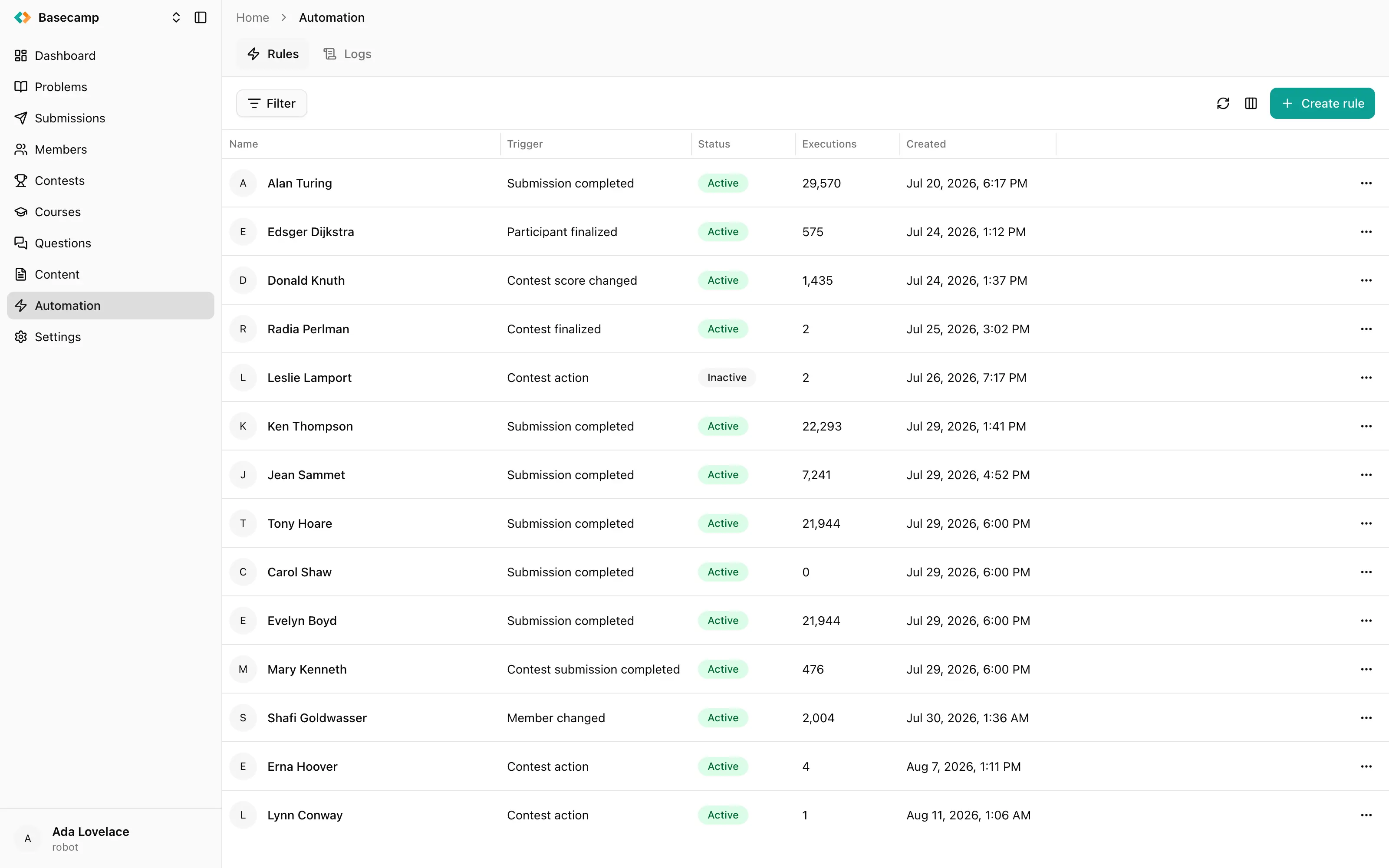
Fig 1. A condition on a rule: the field picker, the operator, and the value.
The field picker offers the fields belonging to the selected trigger, grouped by object — Submission, Contest, Participant, Member, Previous, Score, Result, Question, Problem, Statement, Comment and Schedule. On Participant finalized, the Result group reads the participant's final row: rank, medal, score, penalty and whether the row is unofficial or disqualified. Choosing a known field fixes the comparison type. Custom field… takes any dotted path into the event data, such as score.breakdown, and is always compared as text.
The same picker offers three logical operators, which turn the condition into a container for nested conditions:
Operator | Matches when |
|---|---|
All (AND) | Every child condition matches. |
Any (OR) | At least one child condition matches. |
None (NOT) | No child condition matches. |
Nesting is unbounded.
A condition on a field the event does not carry can never match, and nothing in the console reports it. The rule simply looks as though it never received the event.
Operators by field type
Type | Operators |
|---|---|
Text | Equals, Not equals, Contains, Does not contain, Starts with, Ends with — plus a Case insensitive toggle |
Number | Equals, Not equals, Greater than, Greater than or equal, Less than, Less than or equal |
Boolean | True / False |
List | Contains any, Contains all, Contains none — against a list of values |
Timestamp | After, After or equal, Before, Before or equal, Equals, Not equals |
Timestamp conditions never match
Do not build a rule on a timestamp condition. Timestamps in the event data are text in RFC 3339 form, and the timestamp comparison expects a real date value, so a timestamp condition placed on a payload field evaluates to false and silently suppresses the rule.
Compare times inside a script action instead, with time_diff — see Automation scripts.
 Apoye a Ucrania